Getting Started
Step 1: Registration
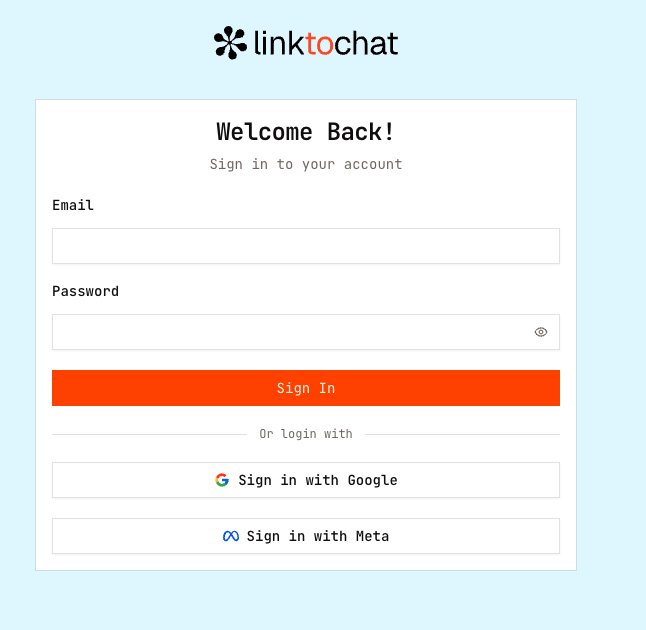
Sign up at https://wa.whello.id/login using Google account
Verify your email address.
Log in to access your dashboard.
Step 2: Onboarding Flow
After logging in, We will guide you through the setup process step-by-step.
Insert Username
Start by adding your username to personalize your workspace and identify your account.
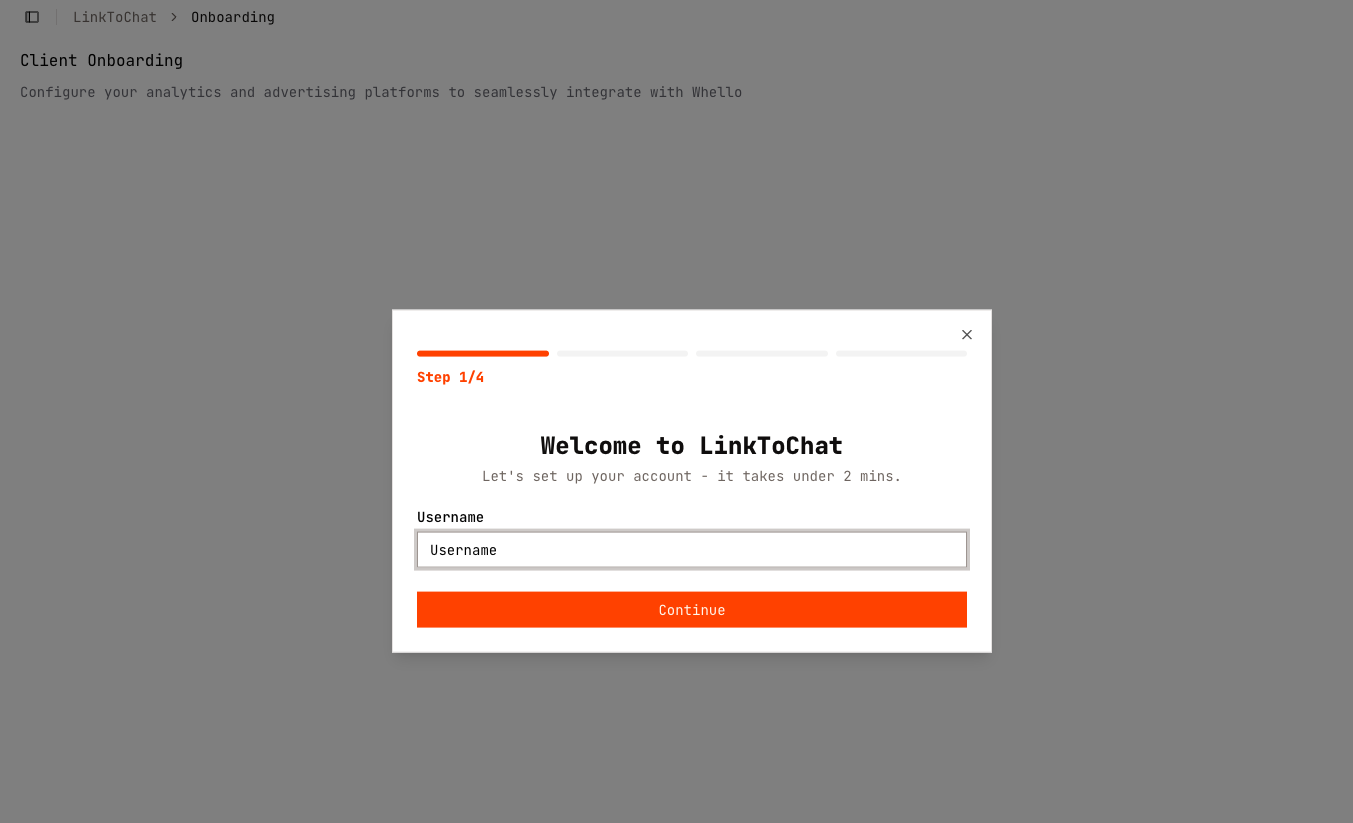
Configure Tracking
Connect your ad and analytics platforms to Whello. You can add one or more of the following:
- Meta Pixel
- TikTok Pixel
- GA4
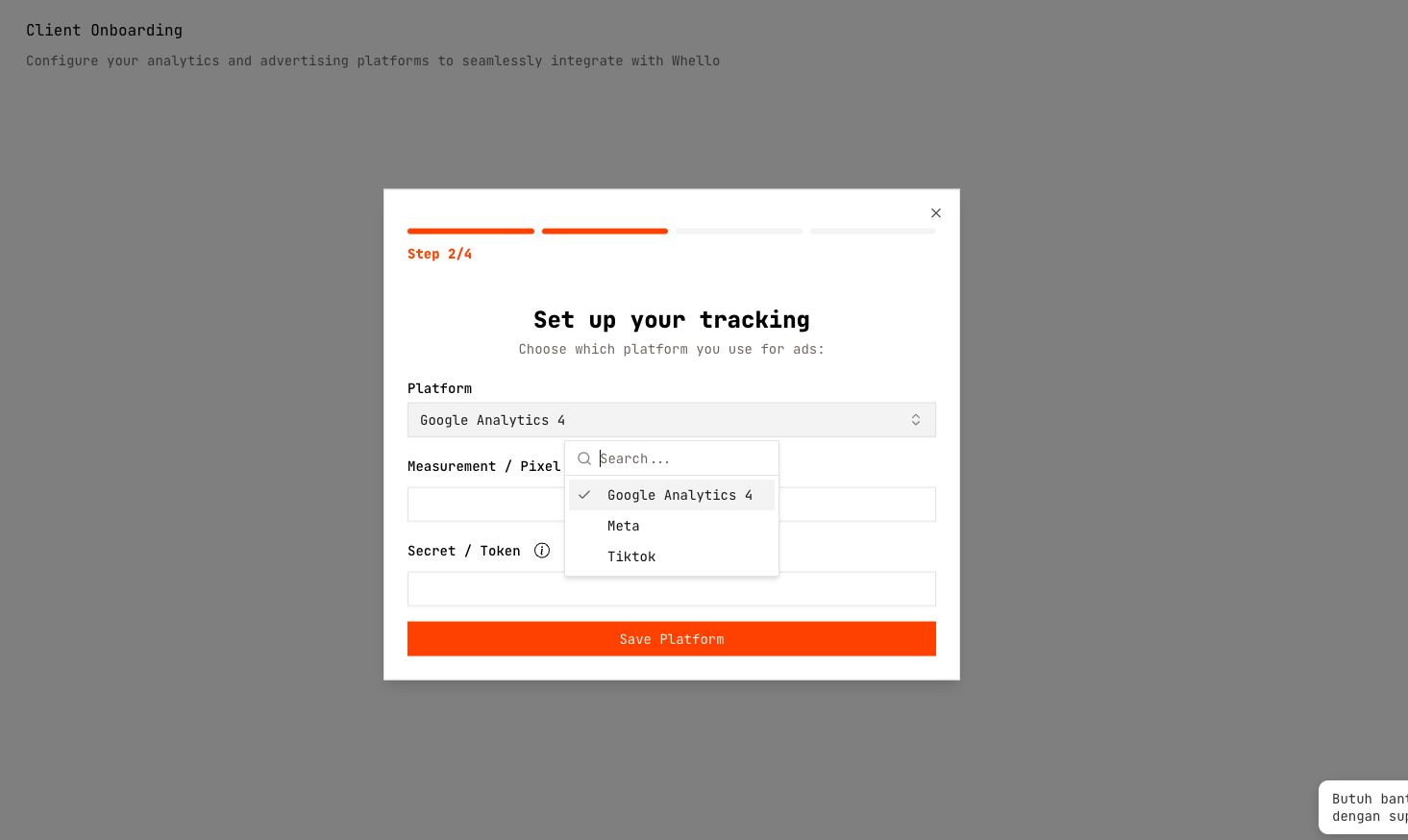
Insert the name, ID, and Token
- Meta Pixel ID + Access Token
- TikTok Pixel ID + Access Token
- GA4 Measurement ID + Measurement Secret Token
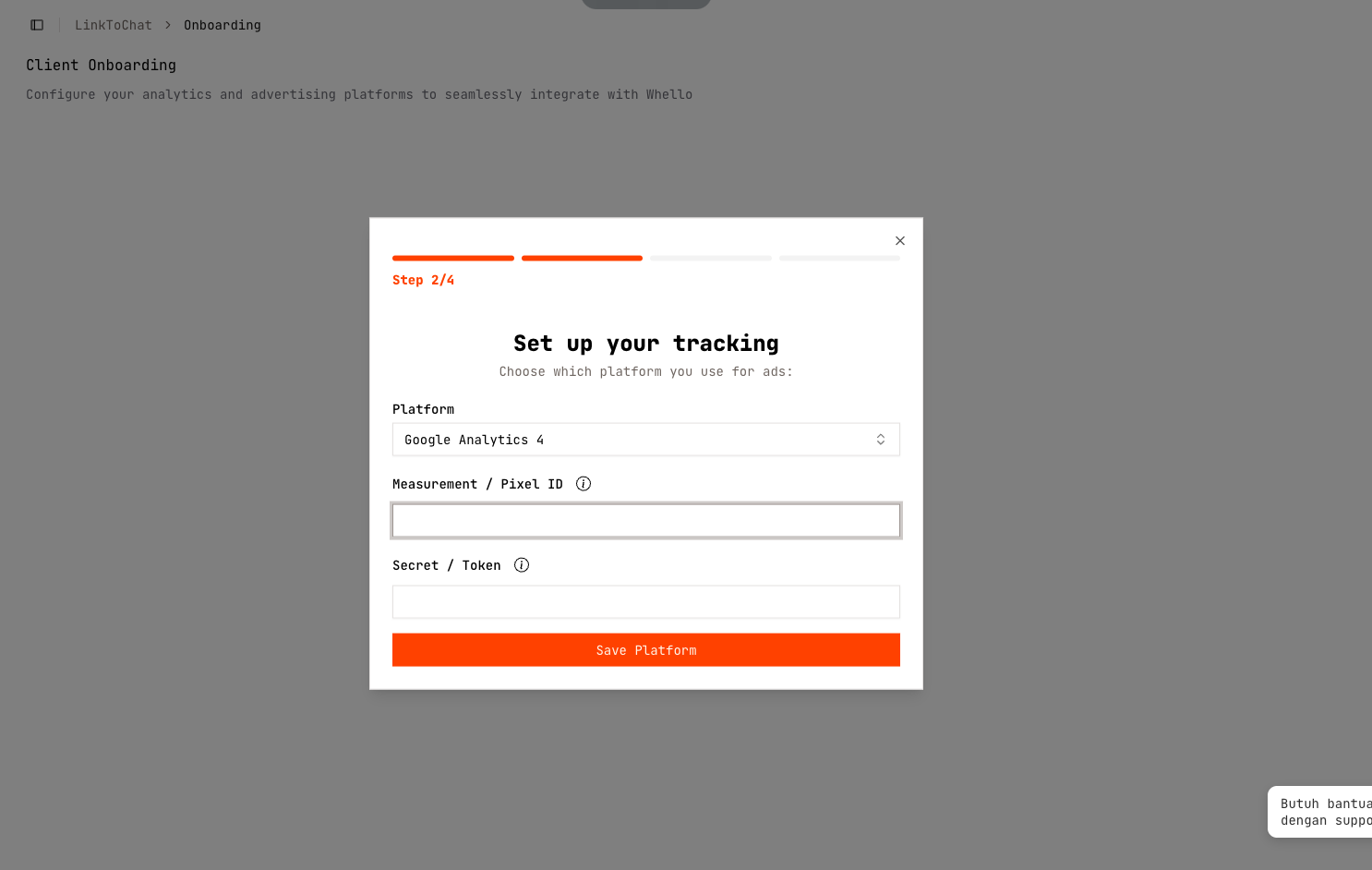
This allows Whello to track and send verified conversion events back to each platform.
Add more platform or continue
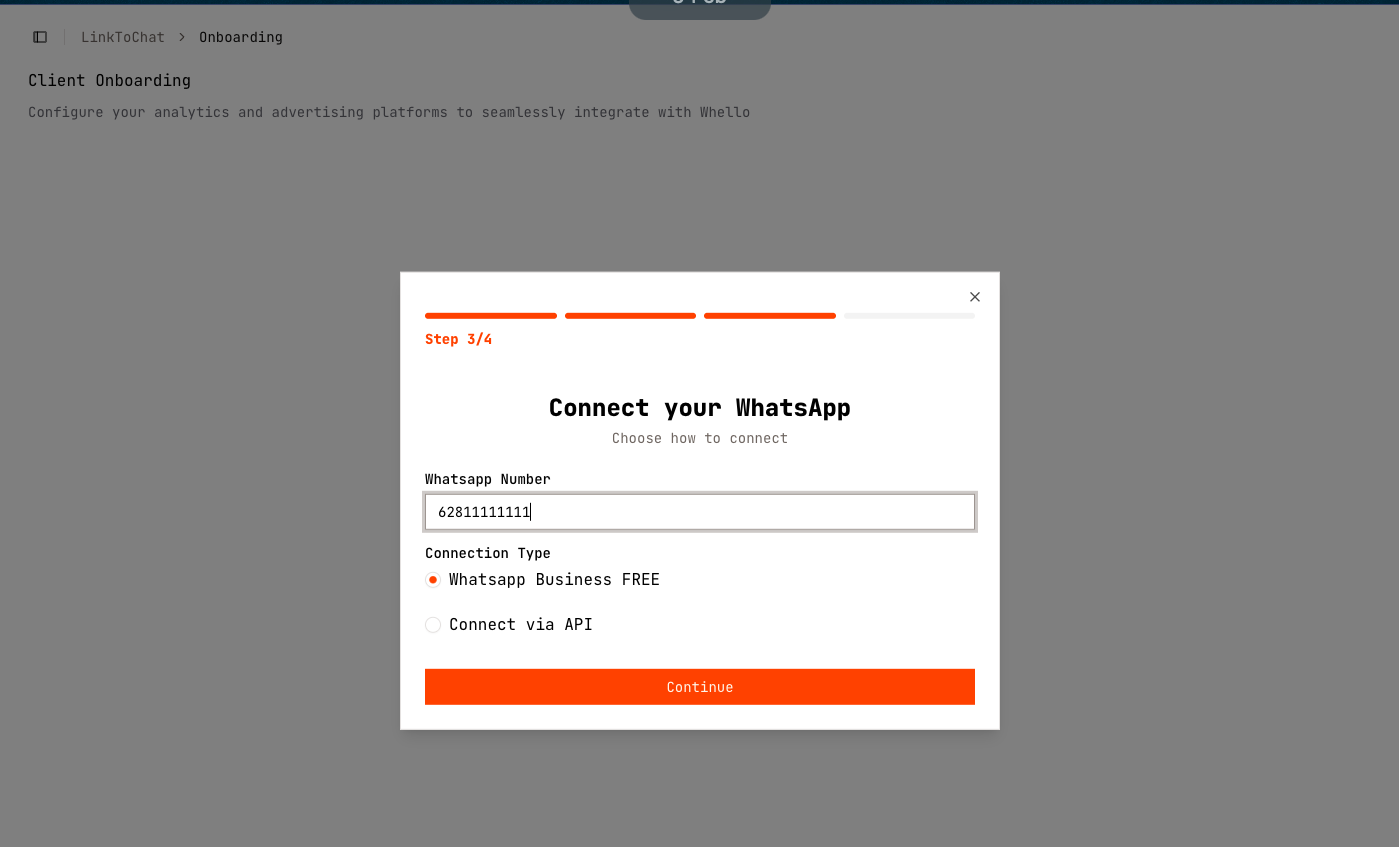
Step 3 Connect WhatsApp
Choose one of two connection methods:
Option A: Scan QR Code using Whatsapp Business Free
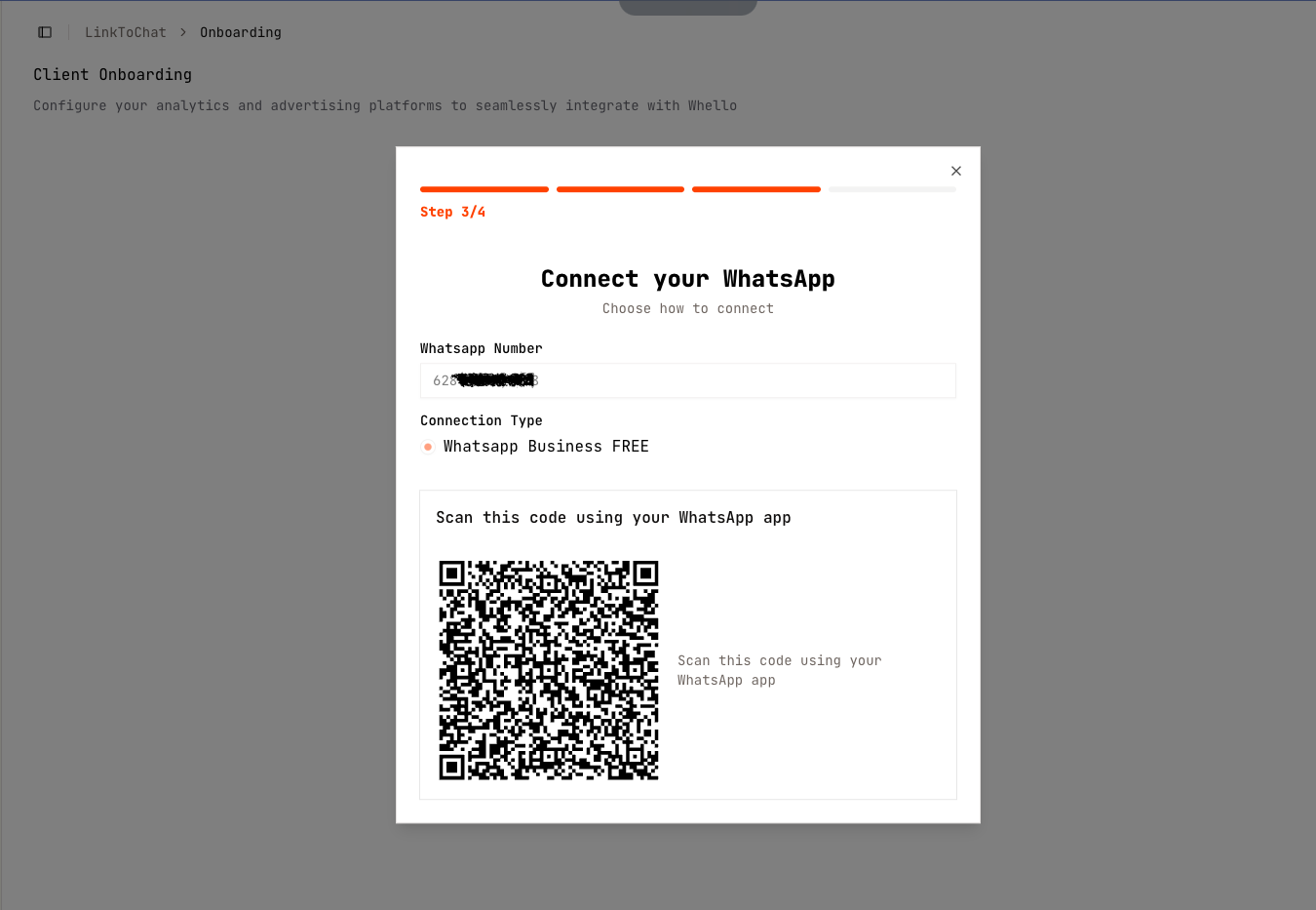
Option B: API Connection
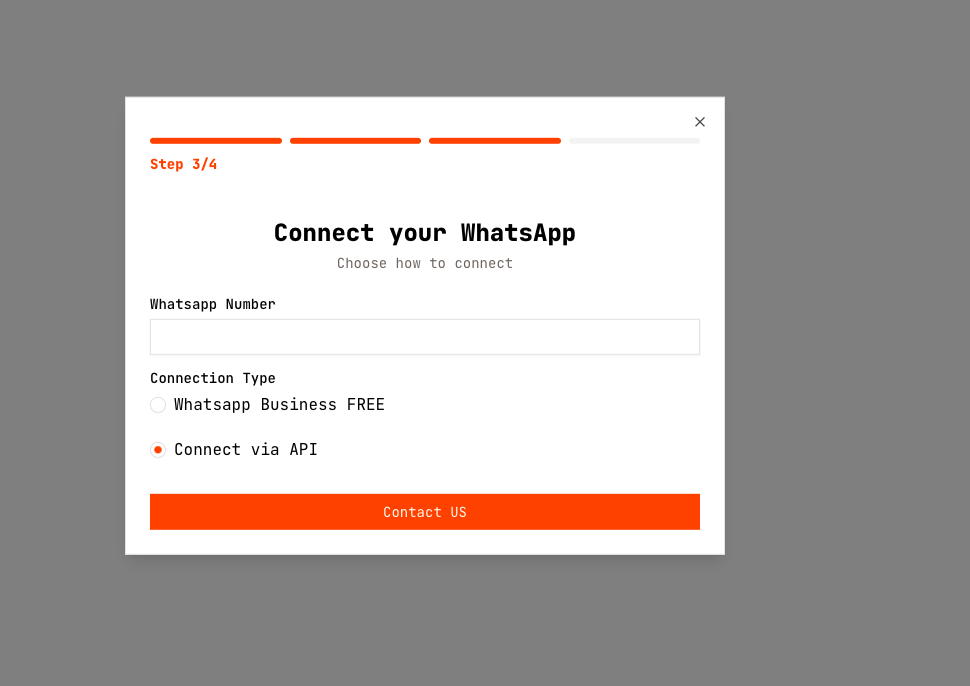 Contact Whello Support via WhatsApp for assistance with API setup.
Last updated on