Whatsapp Number Hosting
Details about hosting your Whatsapp number with our service.
Whatsapp Number
How to Connect a New Number
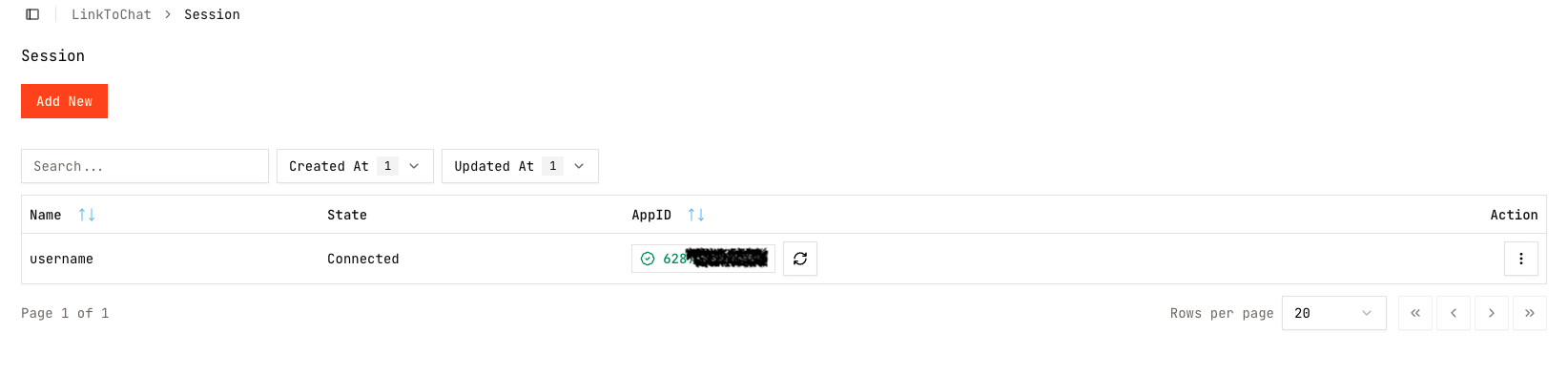
Go to Admin/CS in the Sidebar menu.
Click Add New.
Option A: Connect via QR Code
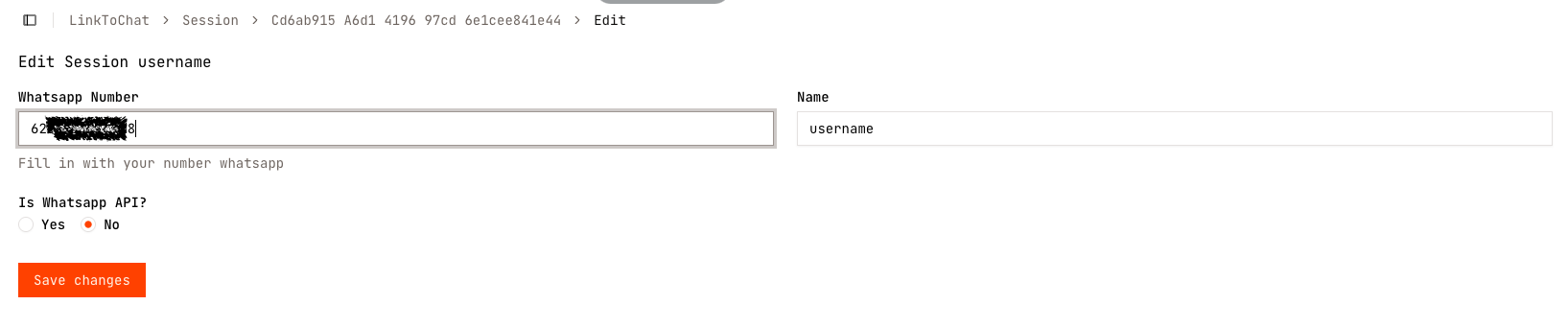
Go to WhatsApp Number in the Sidebar menu.
Insert your number and name, select NO on API setting, and Save Session.
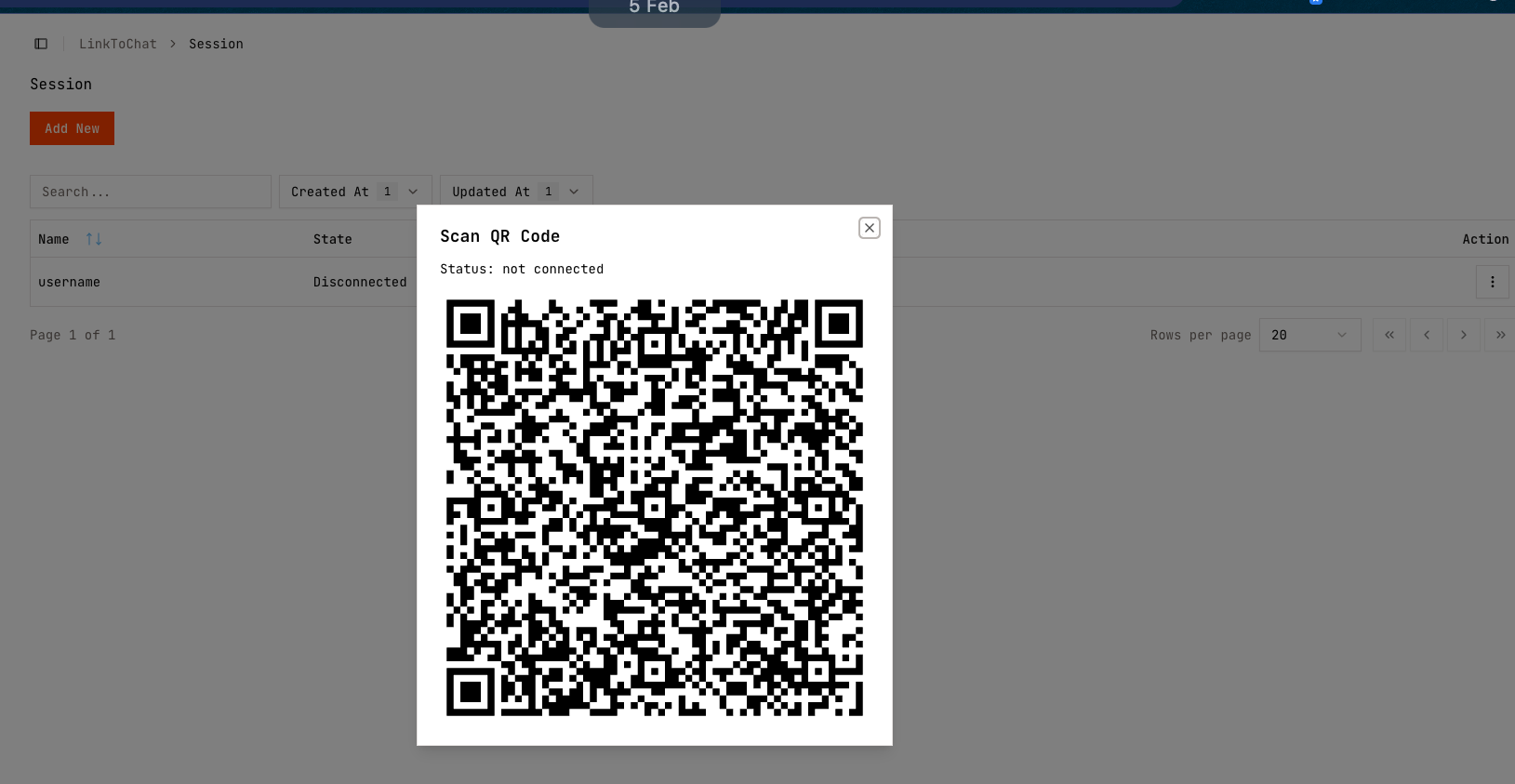
Scan the QR code using your WhatsApp app.
Option B: Connect via API
Go to WhatsApp Number in the Sidebar menu.
Insert your number and name, select YES on API setting.

Contact Whello via WhatsApp button to get your API key.
Verification
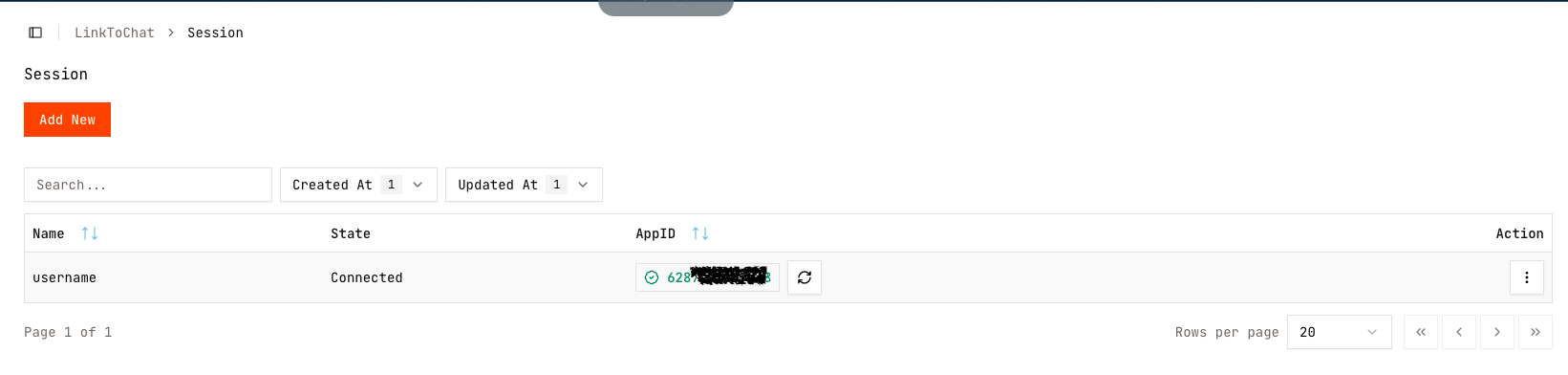
When connected successfully, Whello will show a green Connected badge on the number.
If it shows orange, it means it is disconnected. Press the refresh button on the right side of the number to generate a new QR code.
Last updated on